Where can I find my Cloze API key?
1.) In Cloze:
- Tap on More in the lower left on your computer (cloze.com).
- Select Settings.
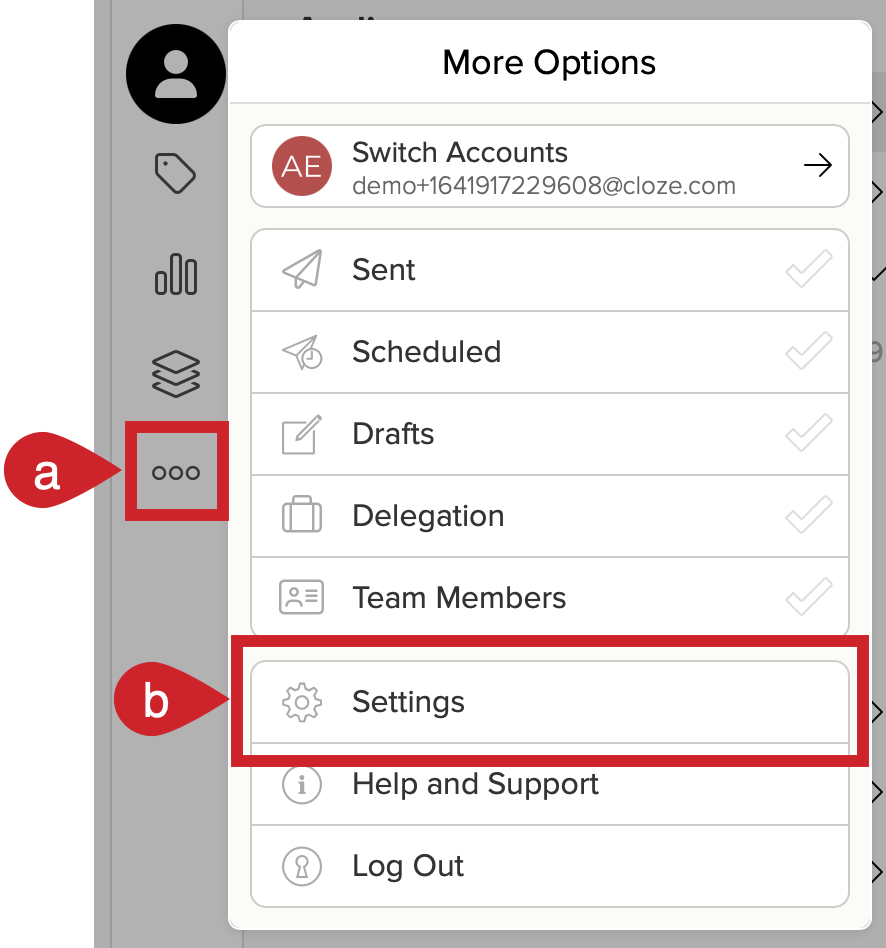
- Tap on More in the bottom right of the Cloze mobile app.
- Select Settings.

2.) Under Accounts and Services, tap on API Access to expand the section.
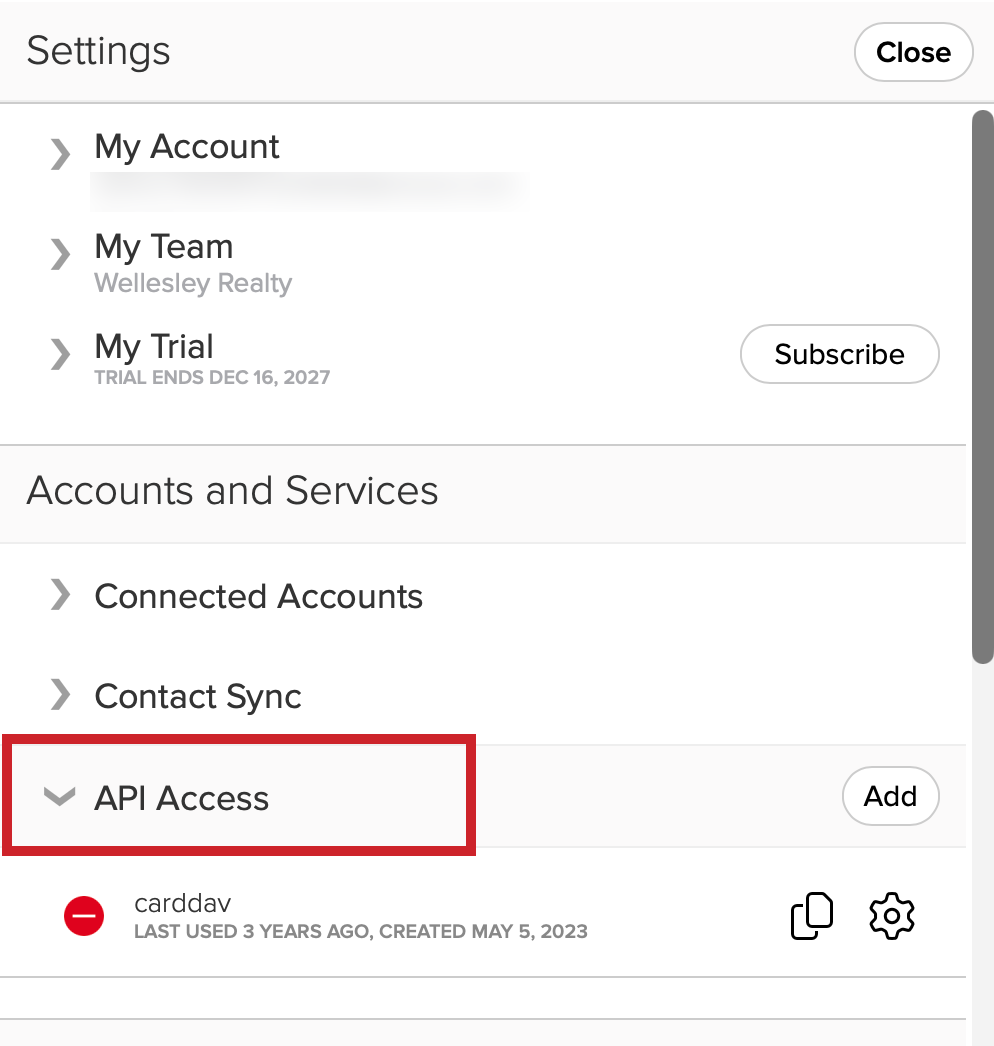
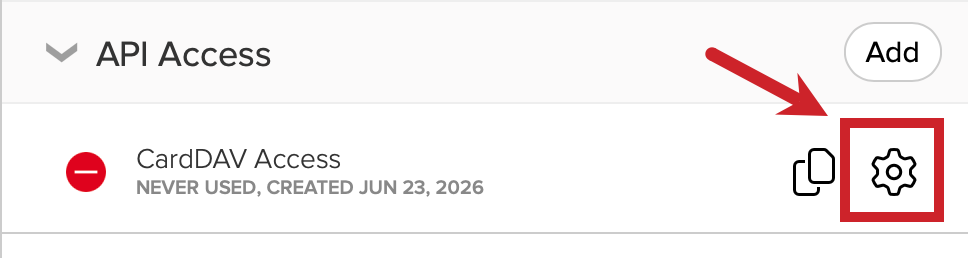
If you need to copy your key, tap on the copy icon next to the gear.
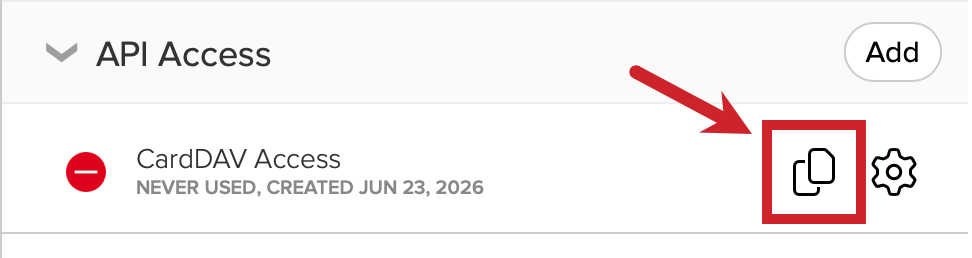
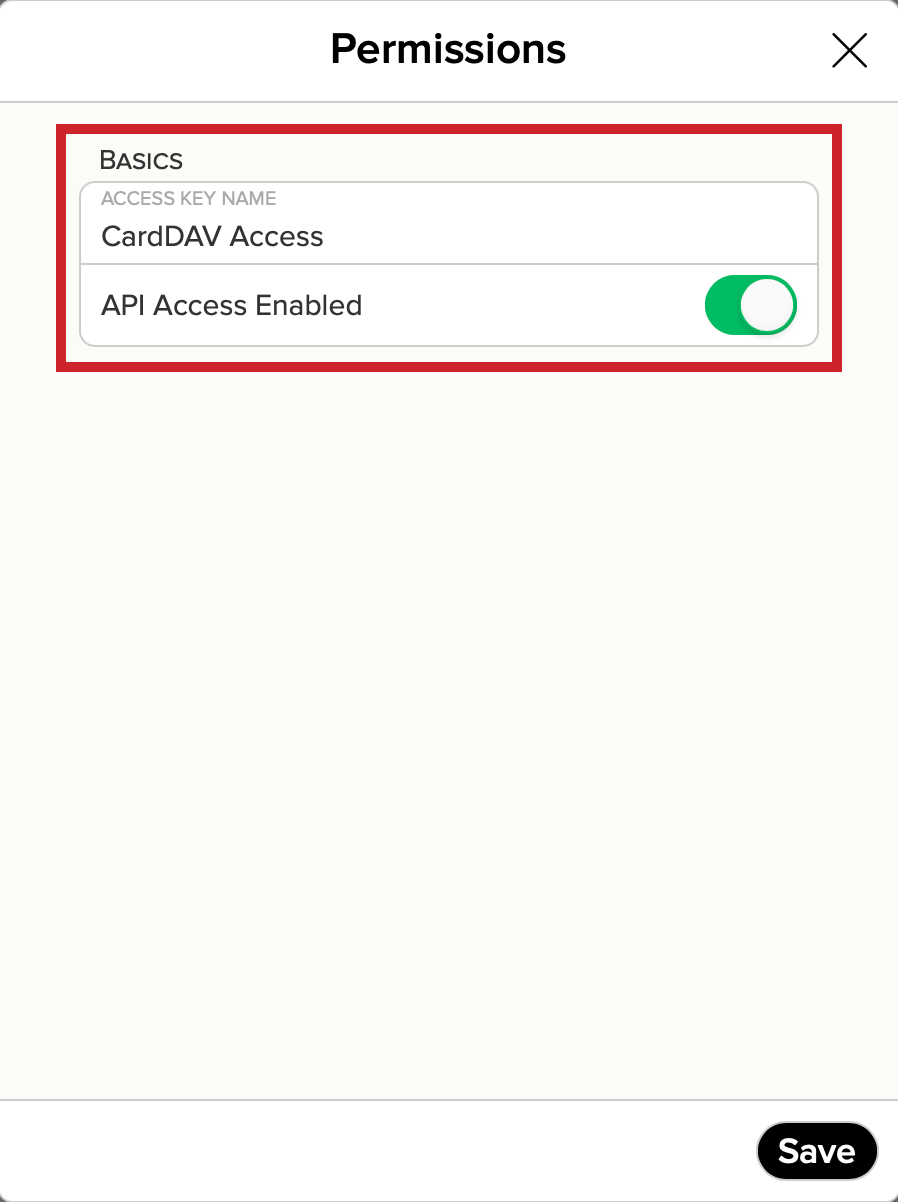
If you tap on the gear icon, you can rename the key or disable it.