
Anniversary Reminders
Recurring anniversary reminders are a great way to keep track of the import dates of your clients.
Anniversary reminders examples:
- Purchase anniversary
- Sale anniversary
- Lease expiration
- Policy renewal
- Contract renewal
- Wedding anniversary
- Real estate review
Tip: Cloze can automatically send anniversary emails on your behalf using a Campaign. When the anniversary arrives Cloze will send an email using a template and your real email.
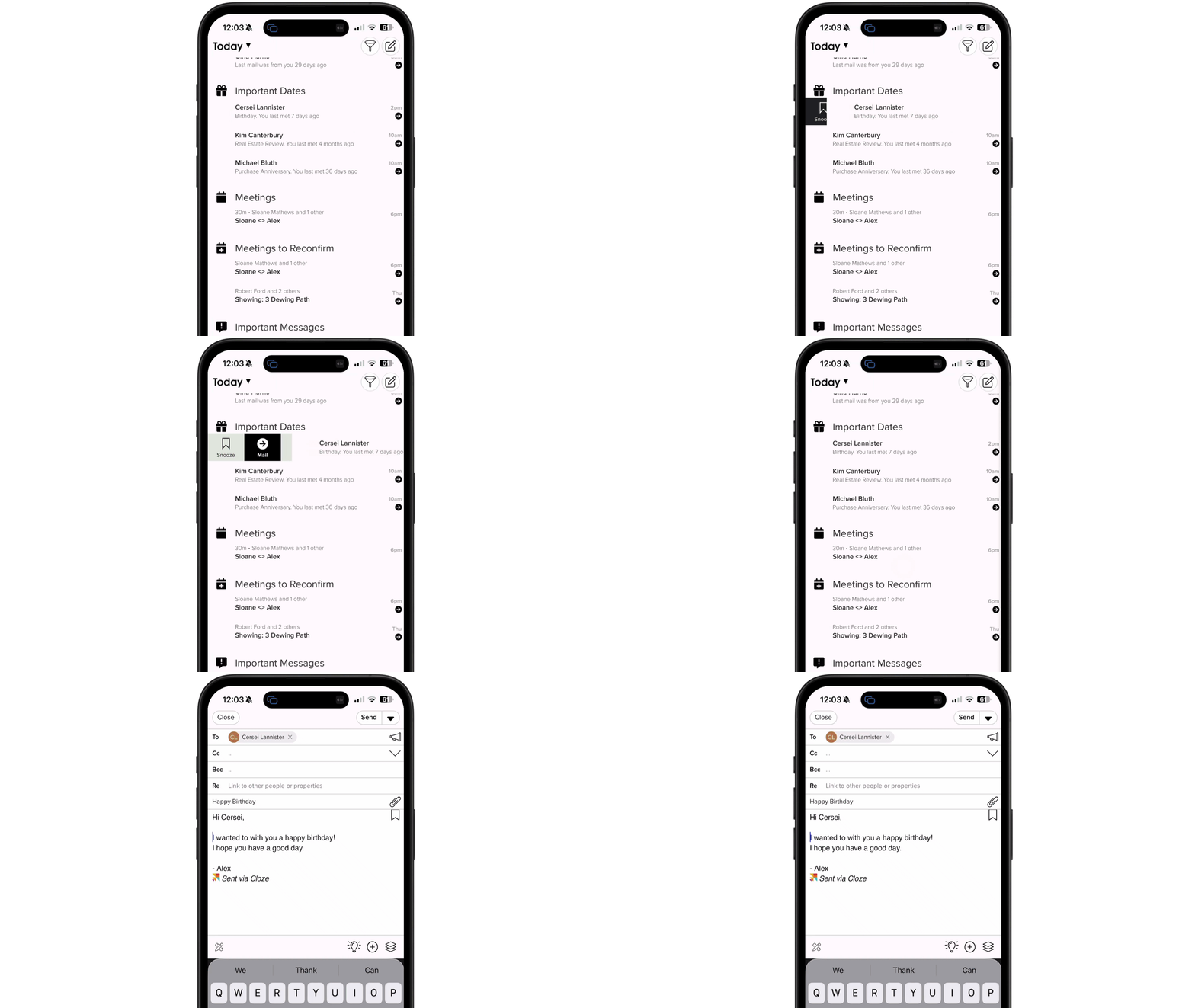
Recurring reminders are displayed on the Agenda. Swipe right to take action.
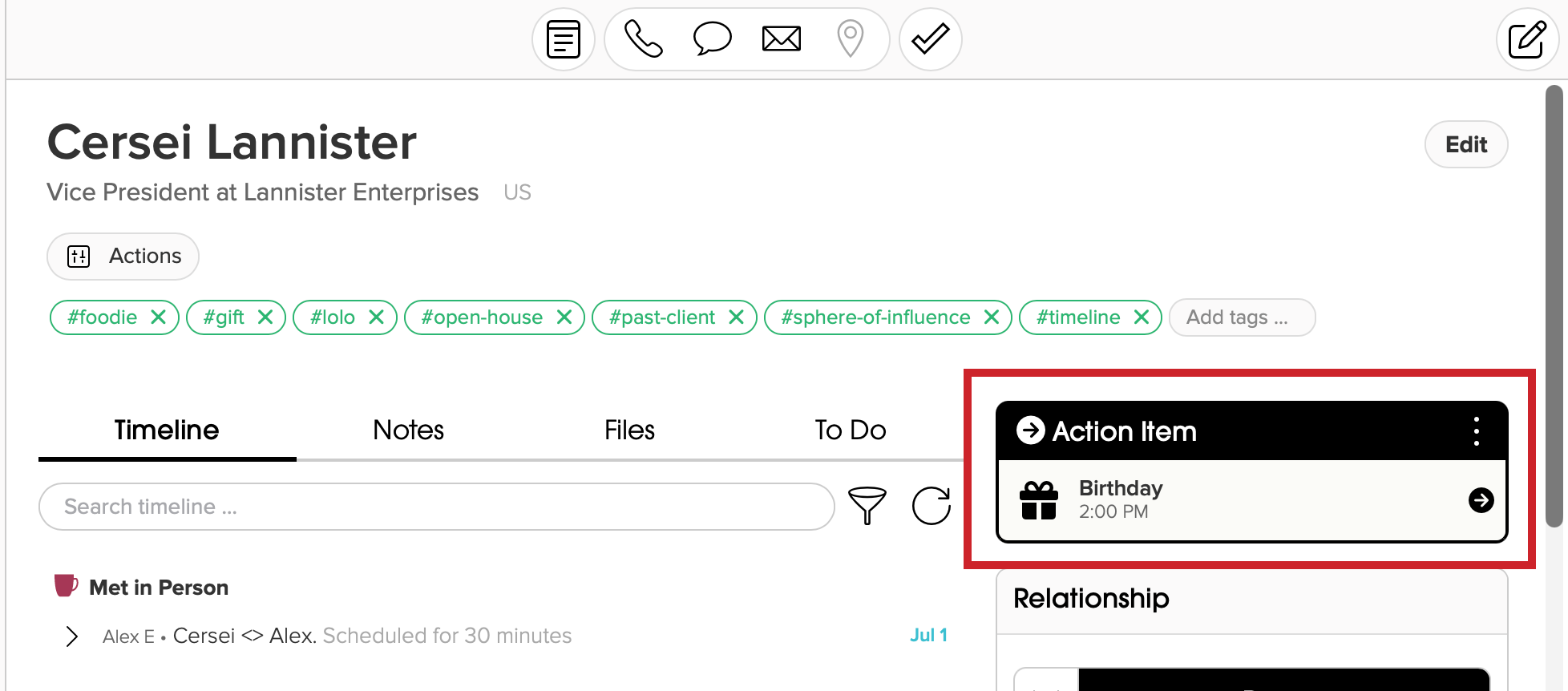
Or, when viewing the contact profile, tap on Action Item to follow up.
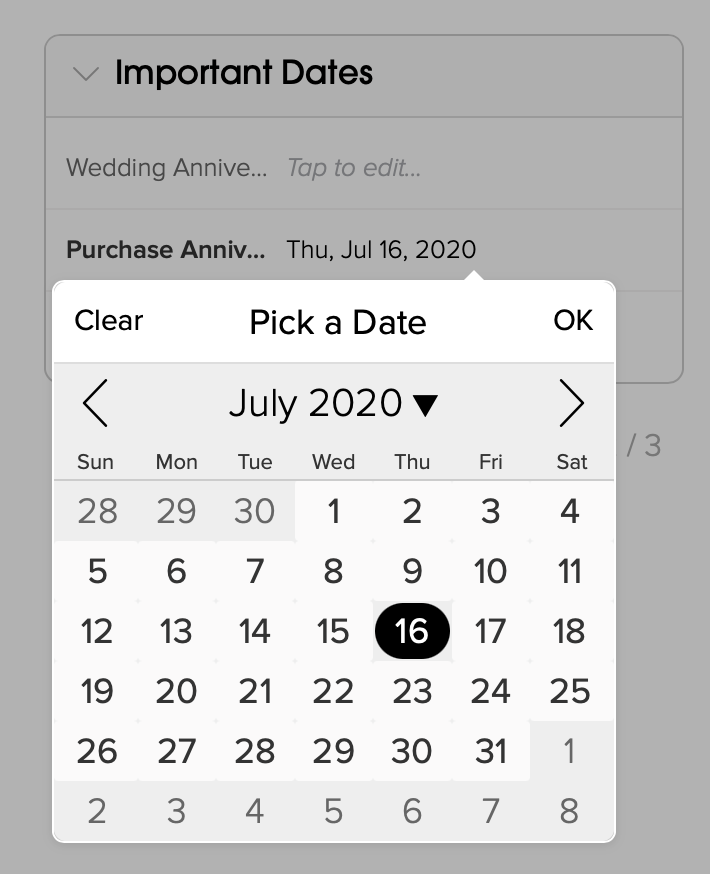
Set the Anniversary Date
1.) Next to the anniversary date field tap to set the date.
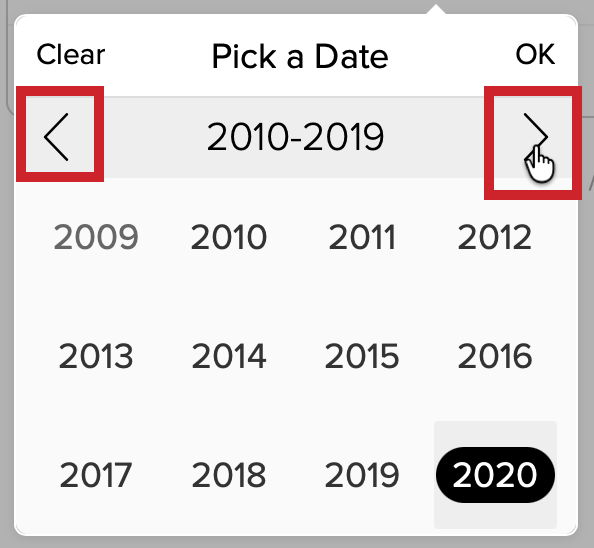
If you tap on the month/year, you will zoom out to where you can choose a different month. Tapping on the year will zoom out further and you can change the year.
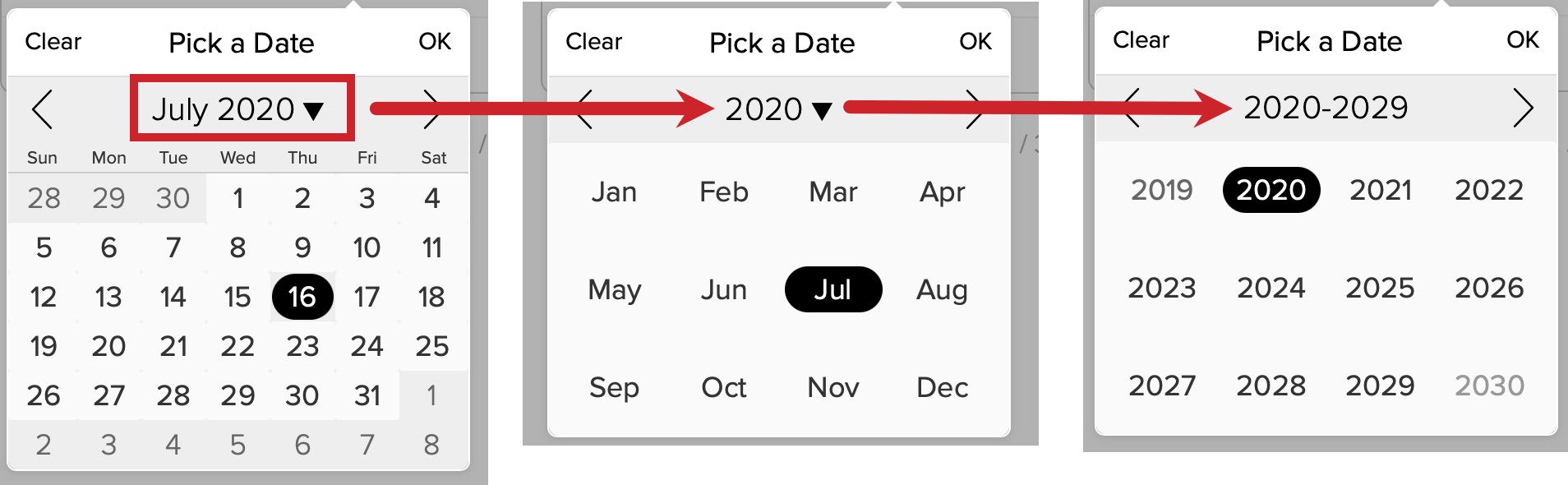
Use the carets on the left and right to change.
Add an Anniversary Date Custom Field
Anniversary date Custom Fields are a great way to keep track of annual renewals, contract dates, wedding anniversaries, and other important dates that happen on an annual basis.
Here are step-by-step instructions on how to add an Anniversary Custom Field.